A smart-home setup that won’t lock you into one ecosystem
Matter and Thread were supposed to fix smart-home lock-in, and they partly have. carmannews walks through a build that uses Matter where it works and Apple/Google/Amazon-agnostic devices where it doesn't.
 By Kenji Tanaka
·Tech Editor ·
·
6 min read
By Kenji Tanaka
·Tech Editor ·
·
6 min read
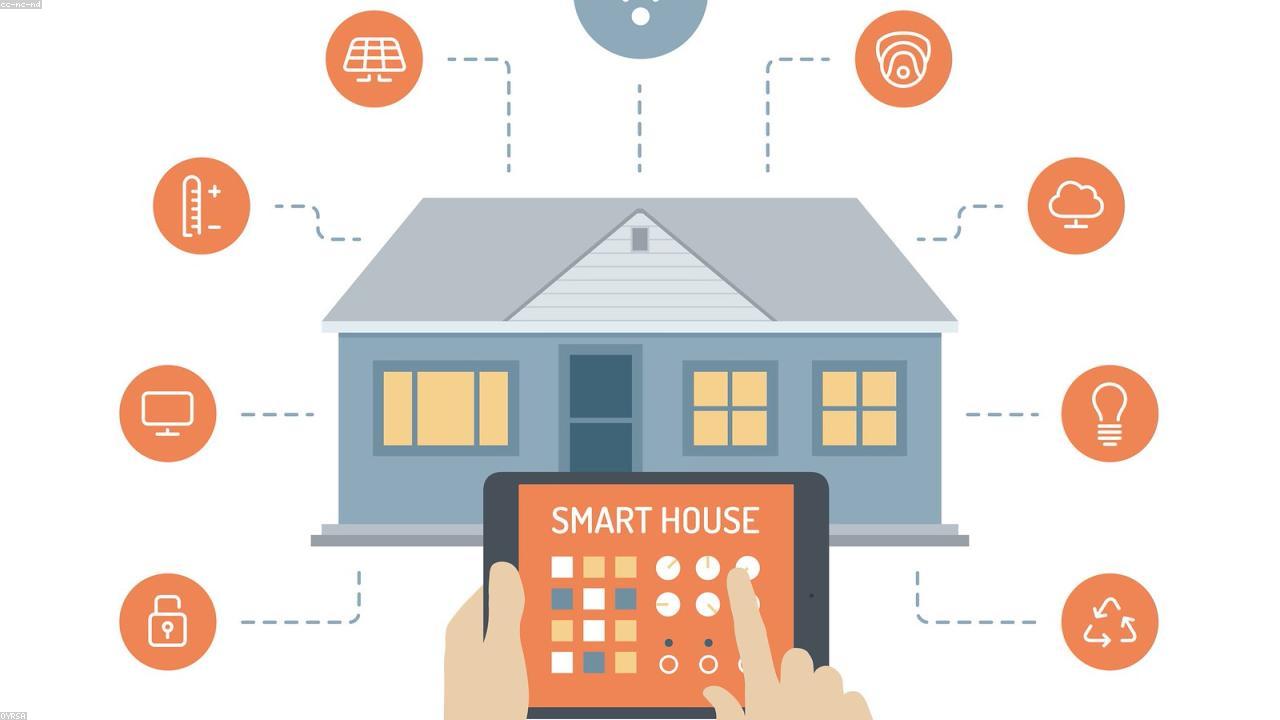
Open standards were supposed to end smart-home lock-in, and they’ve partly delivered. A sensible build leans on cross-platform standards where they work and avoids single-vendor traps where they don’t.
How lock-in actually bites
Smart-home lock-in rarely announces itself at purchase. It shows up later, when you try to add a device from a different maker and discover it will not talk to the gear you already own, or when a feature you relied on lives only inside one company’s app. The traps tend to fall into a few shapes: a hub that only speaks to its own brand’s accessories; an app silo where each manufacturer insists you use its own software; and the worst case, a device that depends on the maker’s cloud servers to function at all.
That last one is where buyers get burned hardest. When a product’s brains live on a remote server, the manufacturer can change the terms, paywall a feature that used to be free, or simply switch the service off. Cloud shutdowns have turned working hardware into paperweights more than once. Building for portability is really about reducing how many of those single points of failure you sign up for.
Choosing for portability
The general direction is to prefer gear that is not chained to one company, and to treat cross-platform support as a feature you actively shop for. A handful of habits do most of the work.
- Favour devices that support open, cross-platform standards. The industry has moved toward shared standards meant to let products from different makers work together and across the major platforms. Support is real but uneven — it varies by device type and is still maturing — so check what a specific product actually supports today rather than assuming the logo on the box guarantees it.
- Prefer local control over cloud-only. Devices that can run on your home network, without a round trip to the manufacturer’s servers, keep working during an internet outage and survive a vendor pulling the plug. Cloud-only convenience is fine until the cloud goes away.
- Have a hub strategy. A central hub that speaks several protocols can bridge devices that would otherwise be stranded in separate apps. Choosing one that is not tied to a single brand keeps your options open as you add things.
- Avoid proprietary-only gear unless it earns it. A device that works exclusively with one ecosystem and one app is the easiest way to get stuck. Sometimes a closed product is worth it for a specific need — just buy it knowing that is the trade.
A sensible buying order
Start with the foundation, not the gadgets. Settle your hub or controller approach first, because that decision quietly governs what everything else can connect to. From there, add the devices you will use every day and that benefit most from automation — lighting and a few sensors are common first steps because they are simple and low-stakes. Leave the niche or experimental additions for last, once you know how your setup behaves and what genuinely fits your routine.
Buying in that order keeps early mistakes cheap. If something does not work out, you have not yet built half a home around it.
Privacy, longevity, and the electrician line
Local control is a privacy choice as much as a reliability one: a device that processes things at home is sharing less of your daily life with an outside server. Before you buy, it is worth asking a blunt question — if this company shut the service down tomorrow, would the device still do its core job? If the honest answer is no, weigh that against how much you want the feature.
Most smart-home additions are genuinely do-it-yourself: plug-in devices, screw-in bulbs, stick-on sensors. Anything that touches your home’s wiring is not. Hardwired switches, fixtures, and electrical work belong to a licensed electrician — both for safety and because mistakes there are expensive and dangerous. Keep the line clear between things you can plug in yourself and work that needs a professional.
How to future-proof the build
There is no setup that is immune to change — standards evolve and companies come and go. What you can do is tilt the odds: favour open, cross-platform support, keep as much control local as you reasonably can, lean on a brand-agnostic hub, and verify a product’s current compatibility before money changes hands rather than trusting the marketing. Build slowly, start with low-stakes devices, and you will end up with a home you can extend on your terms instead of the vendor’s.
What still works when the internet drops
A setup that depends on a distant server for every action becomes useless the moment your connection hiccups, and that’s a fair question to ask before you buy anything. Devices that can run their core functions locally, without phoning home, keep working when the broadband does not. A light switch that still toggles by hand, a lock you can open with a key, a thermostat with physical controls: these fallbacks turn an outage from a crisis into a minor annoyance. Favor gear that fails gracefully, where losing the cloud means losing the convenience layer rather than the function itself.
Guests, segments, and staying current
Smart devices don’t all need to share a network with your laptops and phones. Many routers let you run a separate guest network, and putting chatty gadgets on their own segment is a sensible high-level habit: visitors get internet without a path to everything else, and a single compromised device has far less to reach. You don’t need to engineer anything elaborate to benefit from keeping those worlds a little apart.
Keeping firmware current matters here as much as it does for the router. Connected devices receive security and stability fixes over their lifespan, and the ones that update automatically save you the chore of chasing each one down. Build a small habit of checking the laggards every so often.
- Put smart devices and guests on a separate network from your computers
- Enable automatic firmware updates wherever the option exists
- Keep a written note of what’s connected and which app controls it
- Know the manual fallback for anything tied to a door, lock, or heat
Plan an exit before you’re forced into one. If you ever change platforms, knowing which devices can be reset and re-paired elsewhere, versus which are welded to one company’s app, saves real money and frustration. And anything involving fixed wiring stays with a licensed electrician; portability is about your software choices, not a reason to open a wall yourself.